
To find your bonuses, follow these three simple steps:
Step 1. Click on the sidebar tab in the top left corner. You'll find all the courses you purchased.
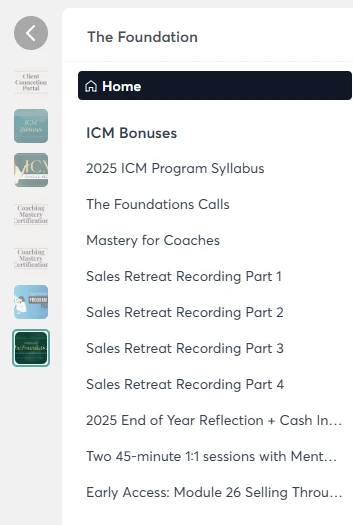
Step 2. Select "The Foundations" course from the menu.

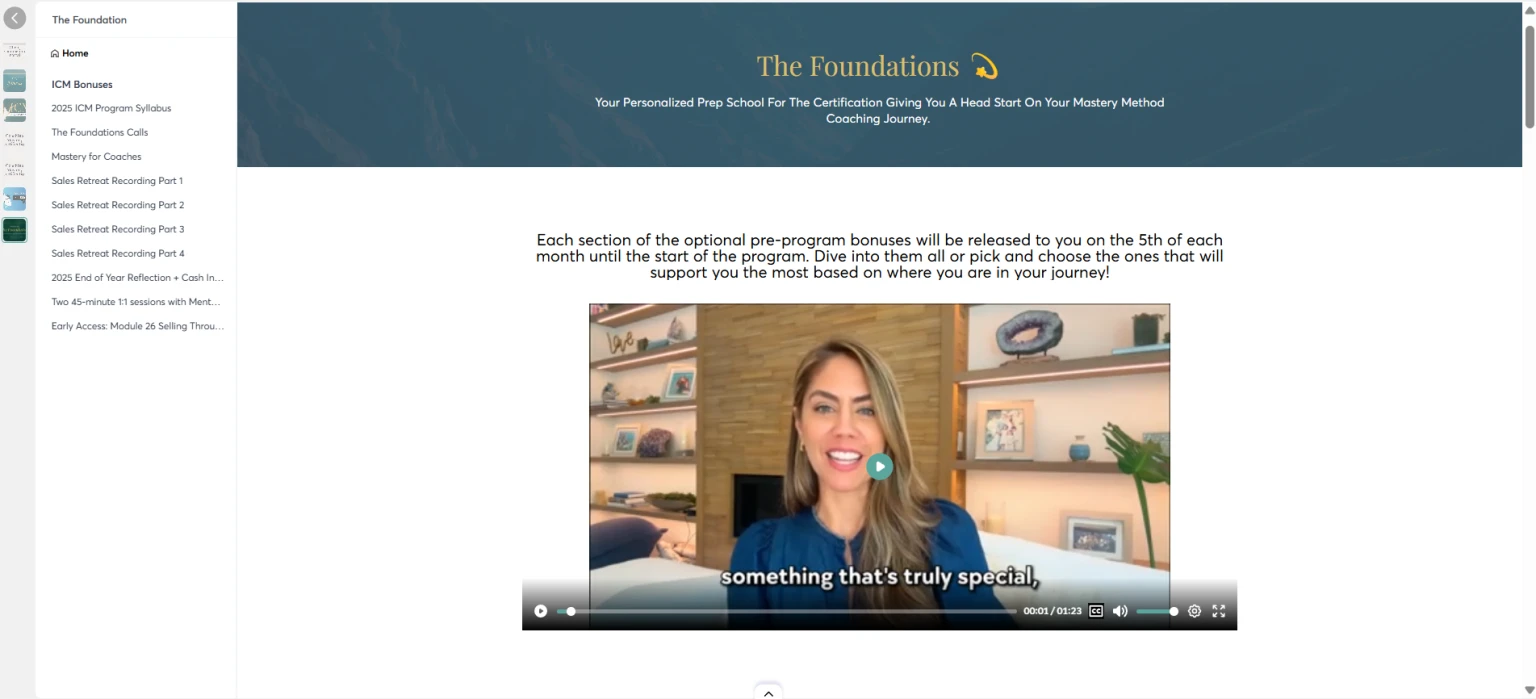
Step 3. Once inside the Foundations Course, choose "Bonuses" from the menu at the top to access all your bonuses.
If you need any further assistance or have questions, please contact us at support@alyssanobriga.com. We're here to help!
