How to Reset Your Membership Site Password
To reset your password, you have two options:
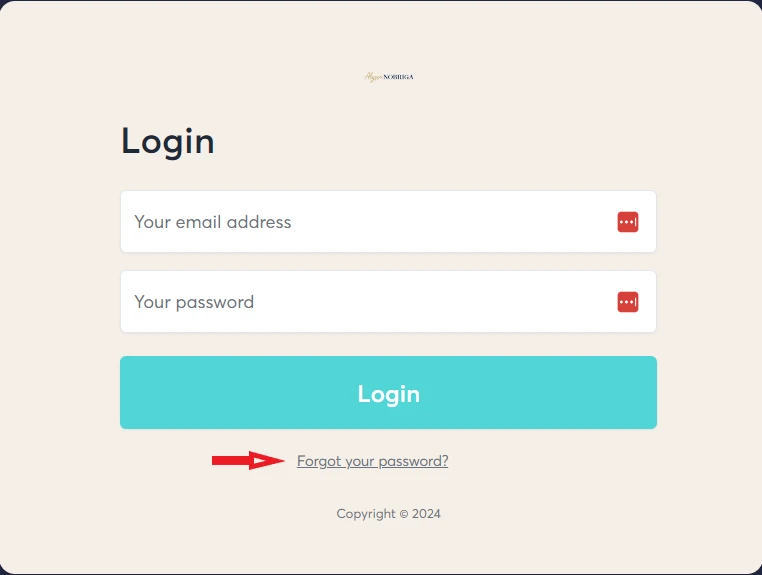
Go to the Membership Site Login Page: Membership Site Login Page, then click "Forgot your Password?" to reset it.
Alternatively, you can reset it by following these steps:
Step 1: Log in to the membership site using your magic link.
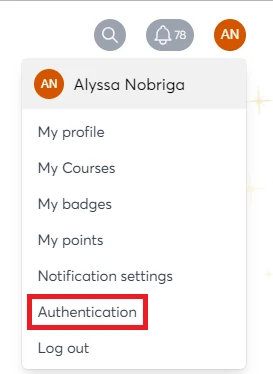
Step 2: Once logged in, click your avatar in the top right-hand corner and select "Authentication."
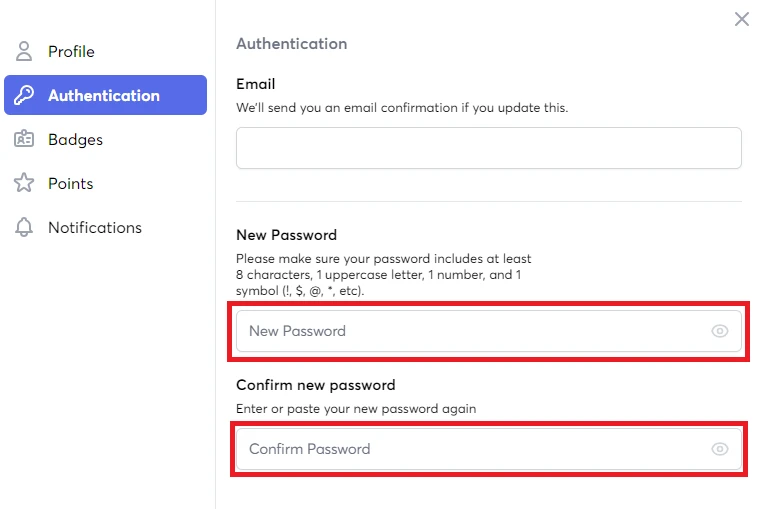
Step 3: Enter and confirm your new password, then click "Save."